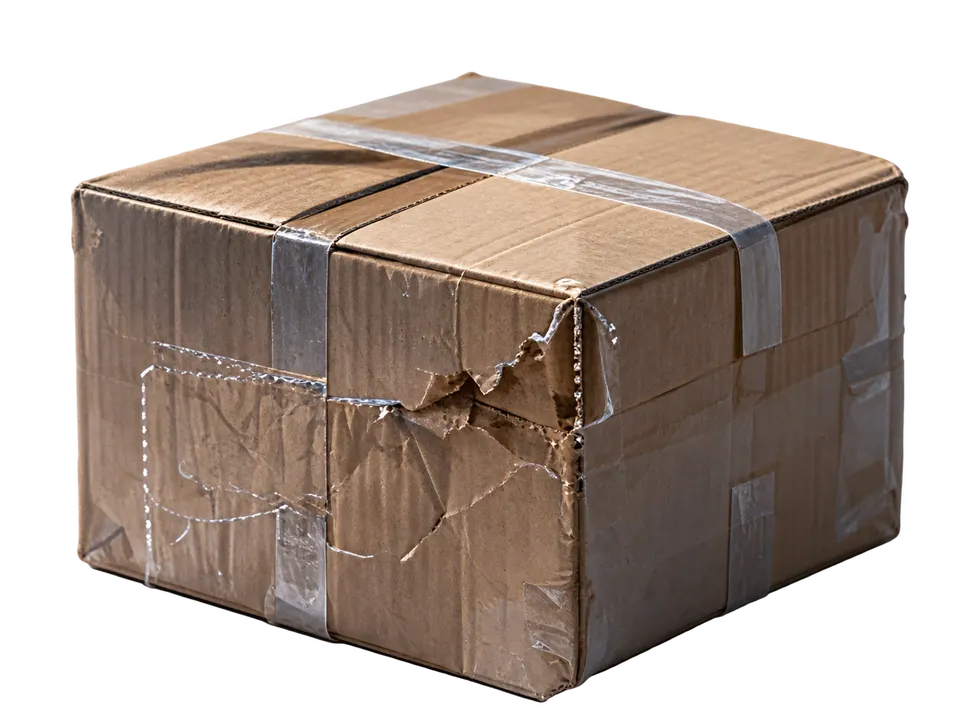
Review suspicious damage photos
For suspicious damage photos from a buyer, before you resolve the refund request.
01
Upload suspicious photos
Upload the buyer’s damage photos and describe the product.
02
Review the findings
Casilo checks for signs of full-image AI generation and local editing, highlighting suspicious details and unresolved questions.
03
Get next-step suggestions
Based on the findings, Casilo suggests whether to proceed normally, request more evidence, or investigate further, and provides customer message drafts for follow-up.
Prepare refund appeal materials
For a refund approved by the platform that you disagree with and want to have manually reviewed.
01
Select or upload materials
Choose an existing review record or upload the buyer’s photos, then add messages and the platform decision.
02
Review the appeal materials
Casilo organizes disputed points and evidence into an appeal draft, an attachment list, and a checklist of platform rules to verify.
03
Submit your appeal
Review and edit the draft, download the materials, then submit them to the platform yourself for a manual review.